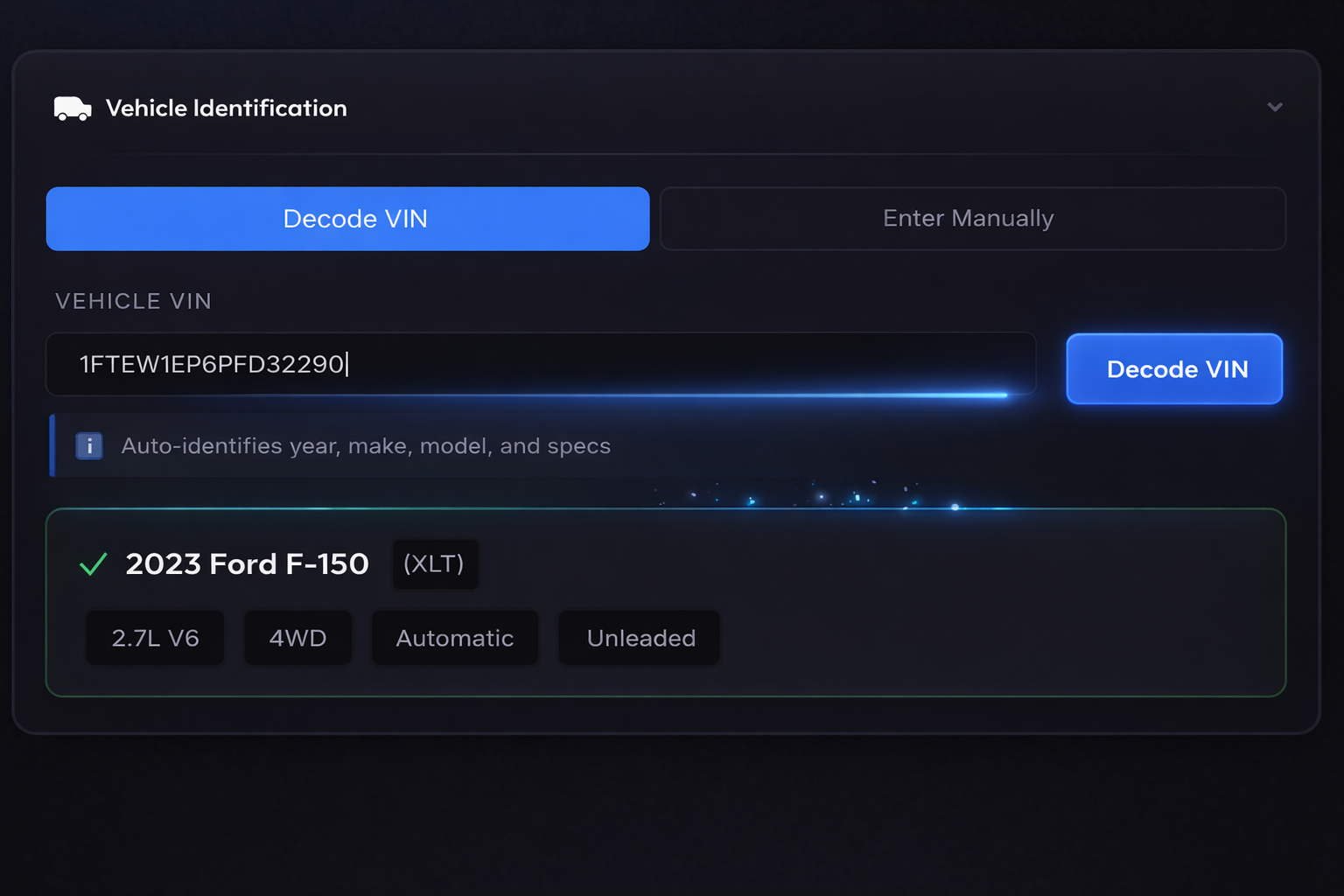
Vehicle Identification
Auto-identifies year, make, model, and specs
Choose which market to fetch pricing data from:
🇺🇸 USA: US market sales data in USD (default)
🇨🇦 Canada: Canadian market sales data in CAD
To set a permanent default, go to Account → Market Settings.
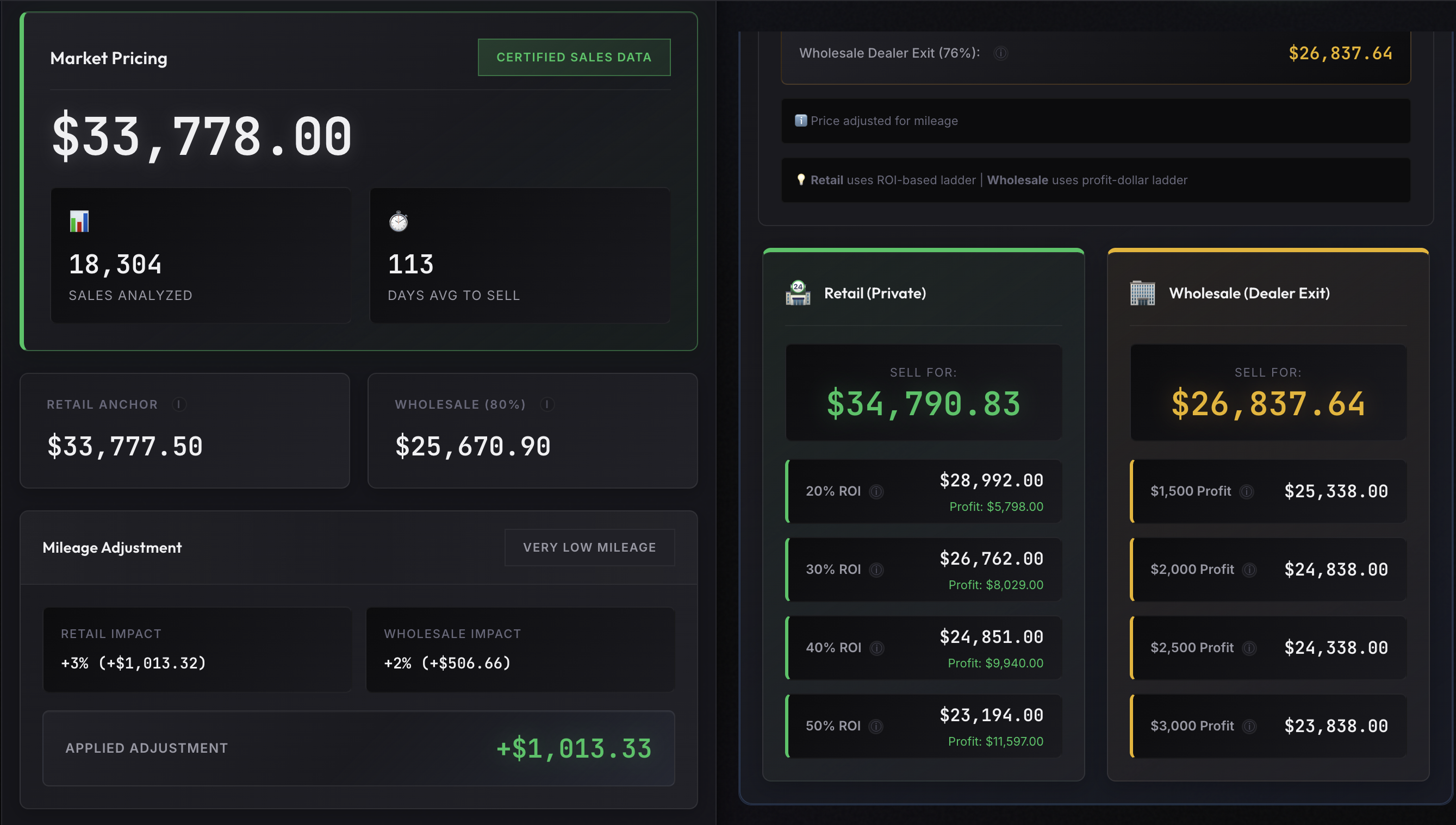
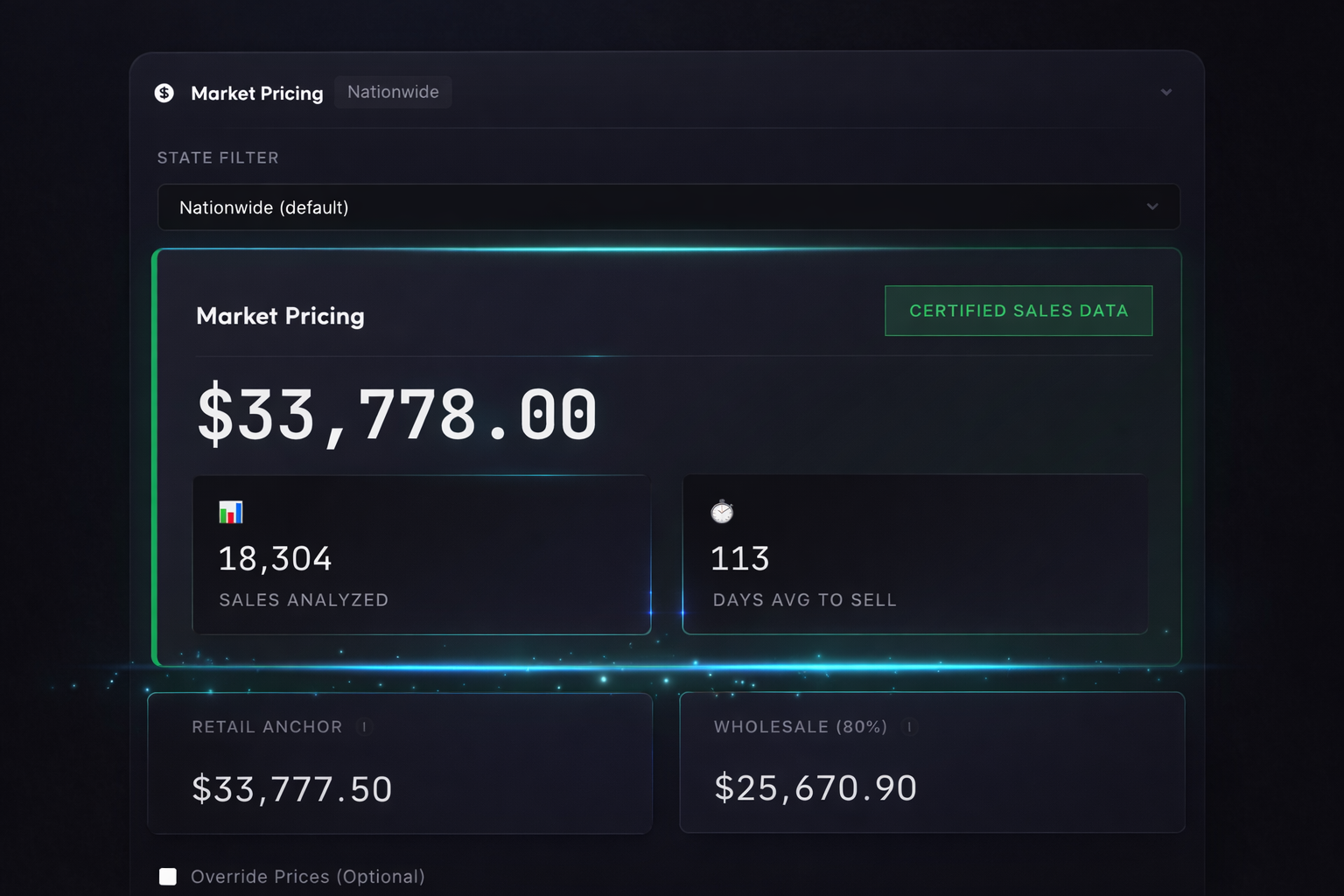
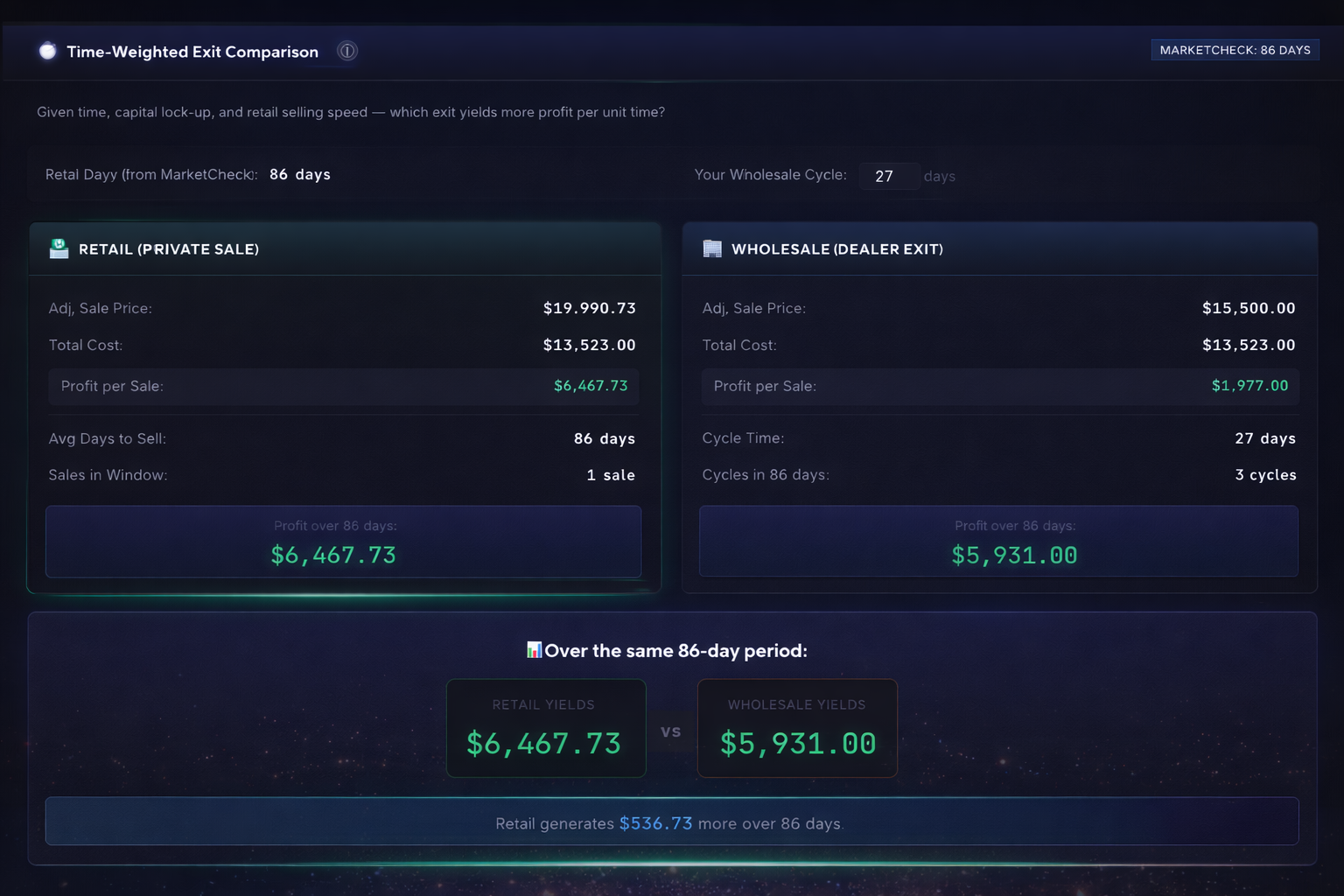
Market Pricing
State/Province selection refines pricing based on recent local sales.
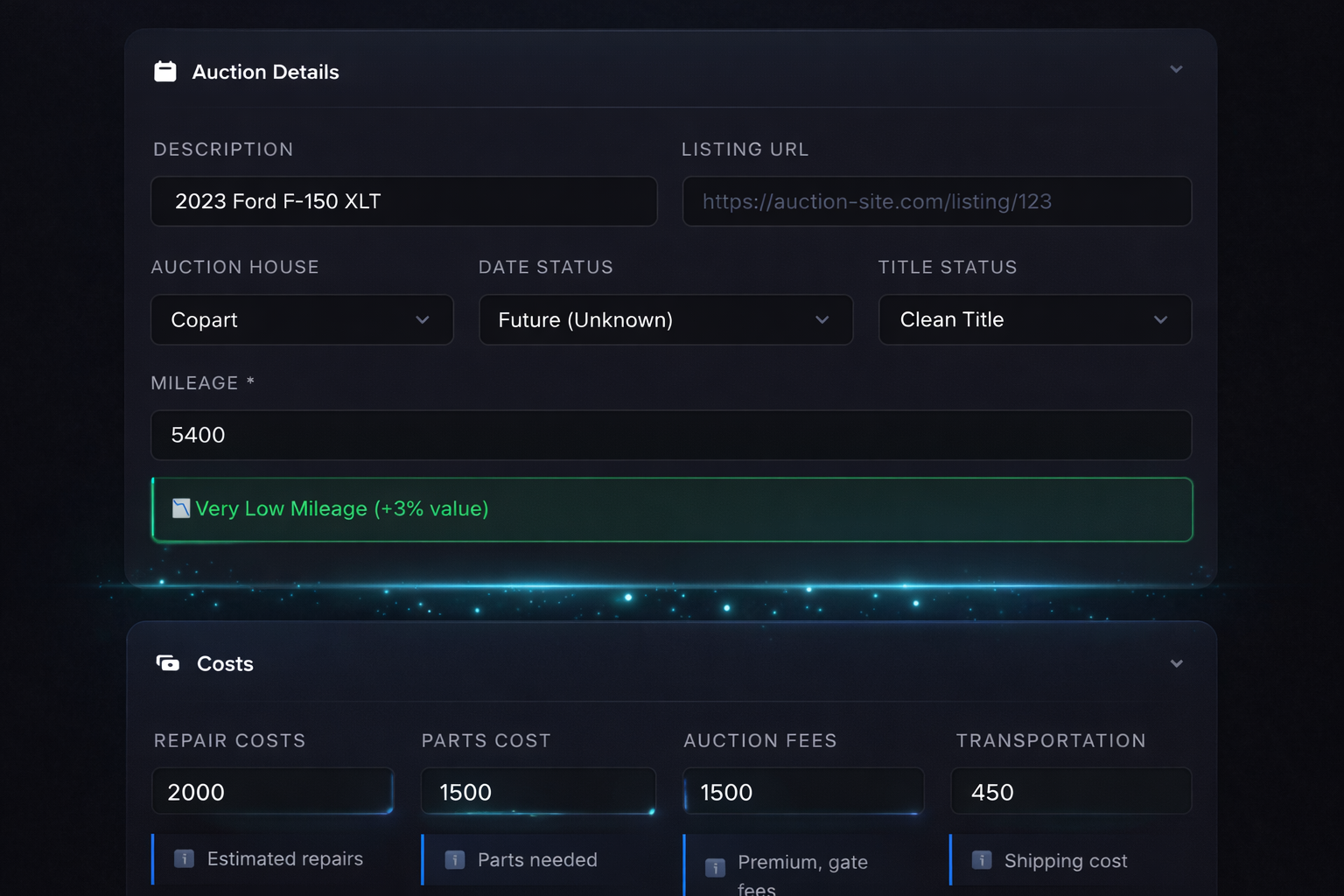
Auction Details
Affects vehicle value adjustment
Costs
Advanced Costs $0
Title, registration, taxes
Marketing, cleaning, misc
Buyer Disclosure Adjustments Required
Select vehicle condition for accurate pricing. (Required for clean titles)
Decision Panel
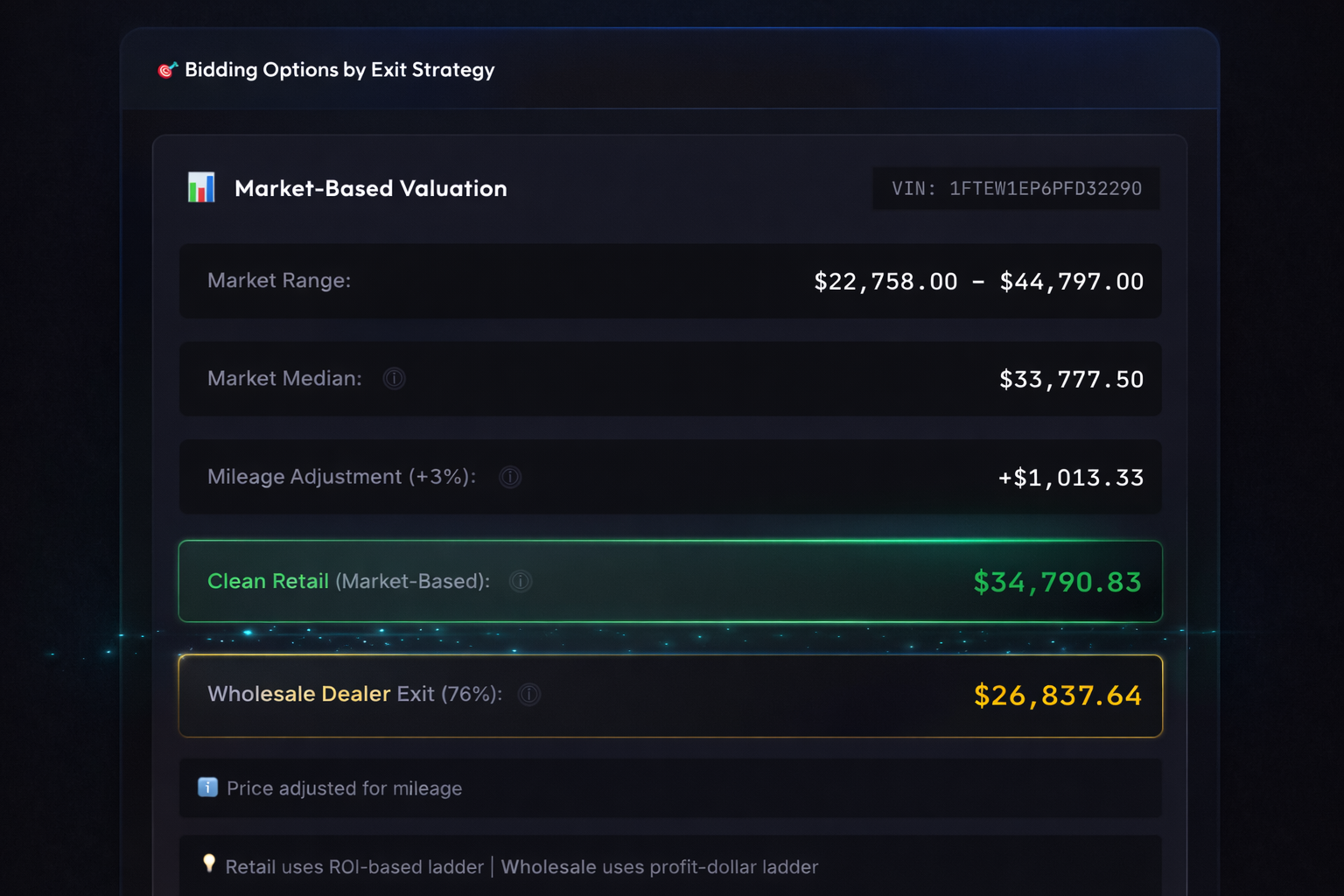
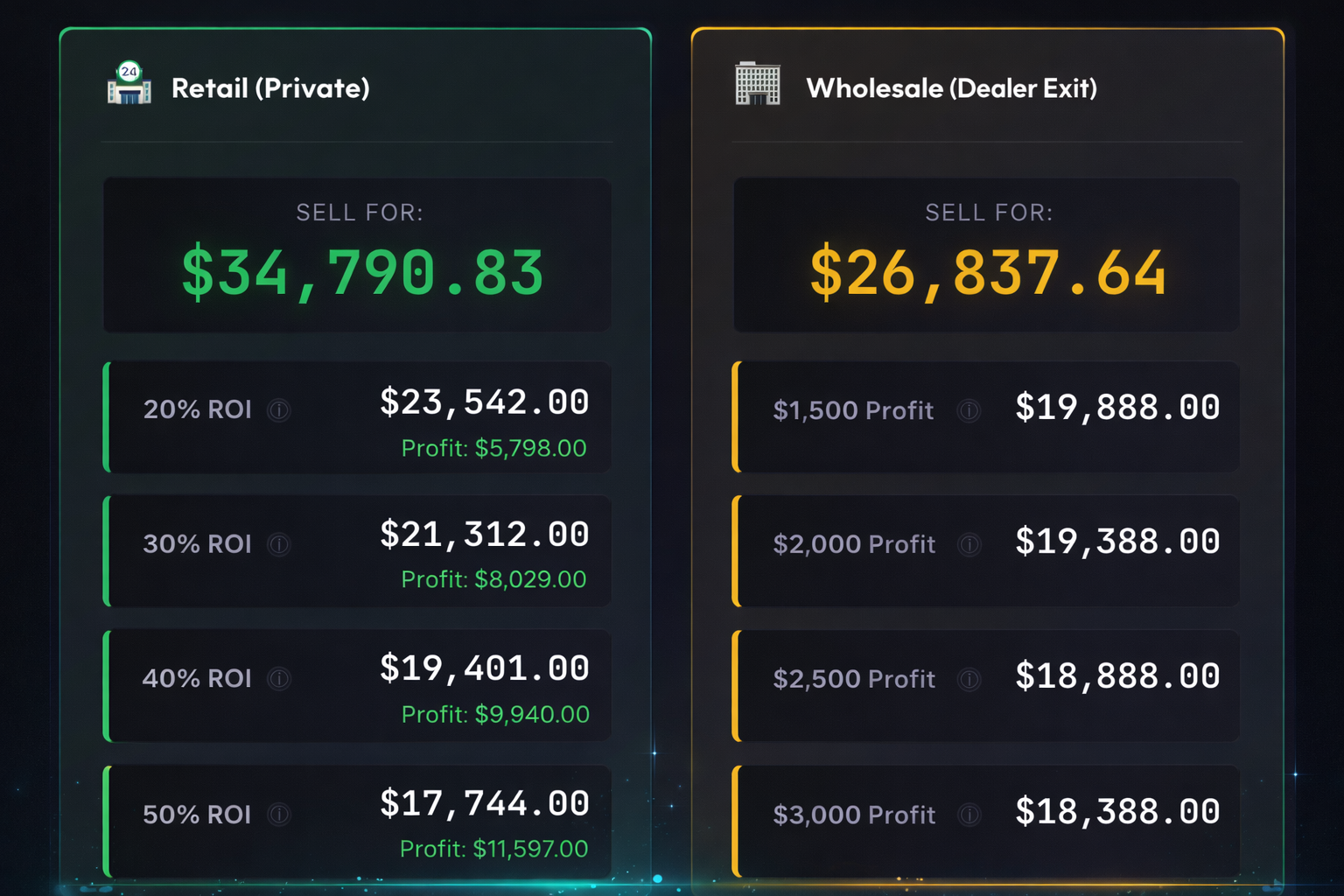
Fill in the form and click "Calculate" to see bidding options
Deal Queue
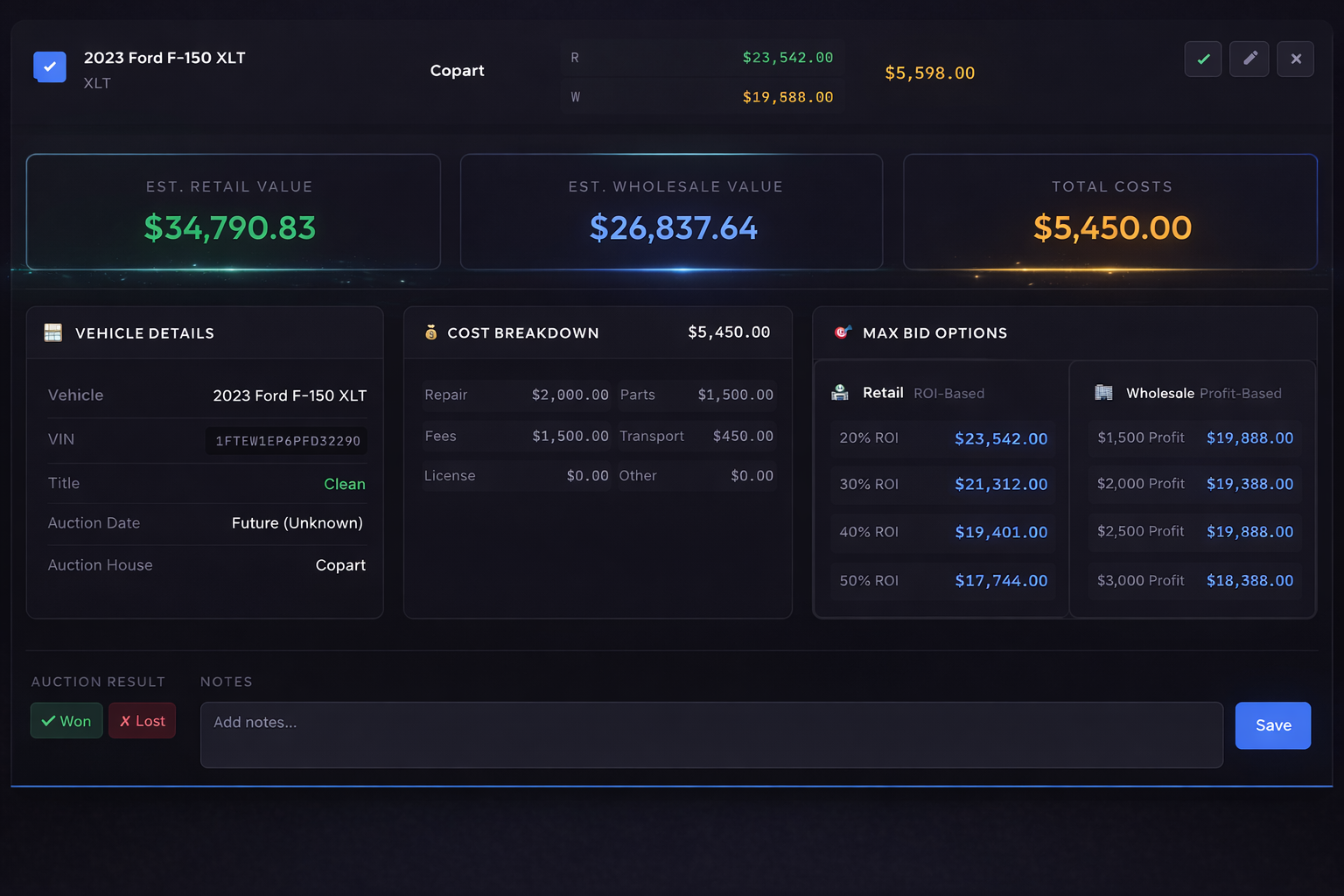
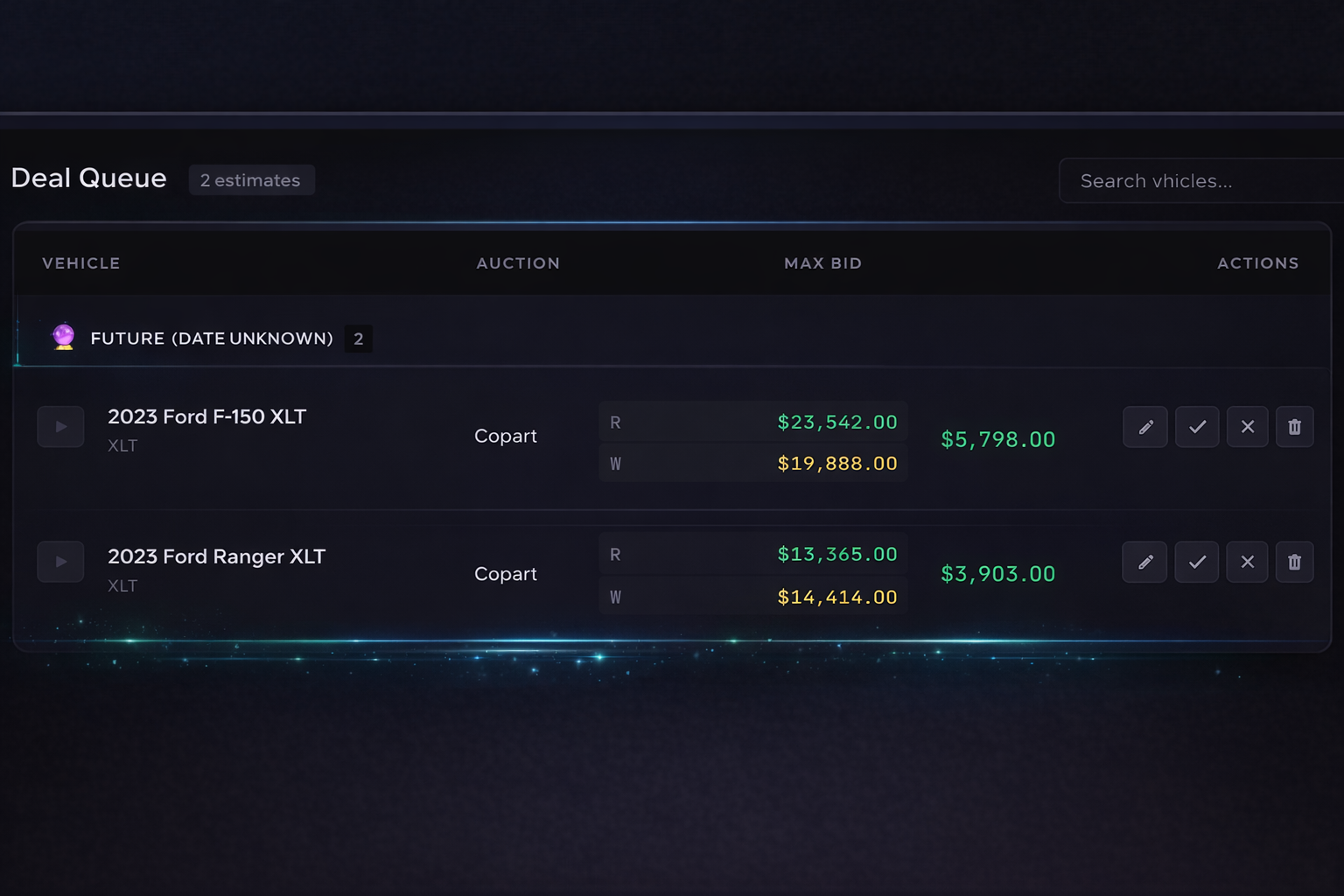
What is the Deal Queue?Save & organize your bid calculations before auction day.
Quick access: All your active estimates in one place — no recalculating.
Edit anytime: Update costs, mileage, or title status as you learn more.
Bulk delete: Use "Select Multiple" to clean up old estimates.
0 estimates| Vehicle | Auction | Max Bid | Est. Profit | Actions | ||
|---|---|---|---|---|---|---|
|
No saved estimates yet. |
||||||
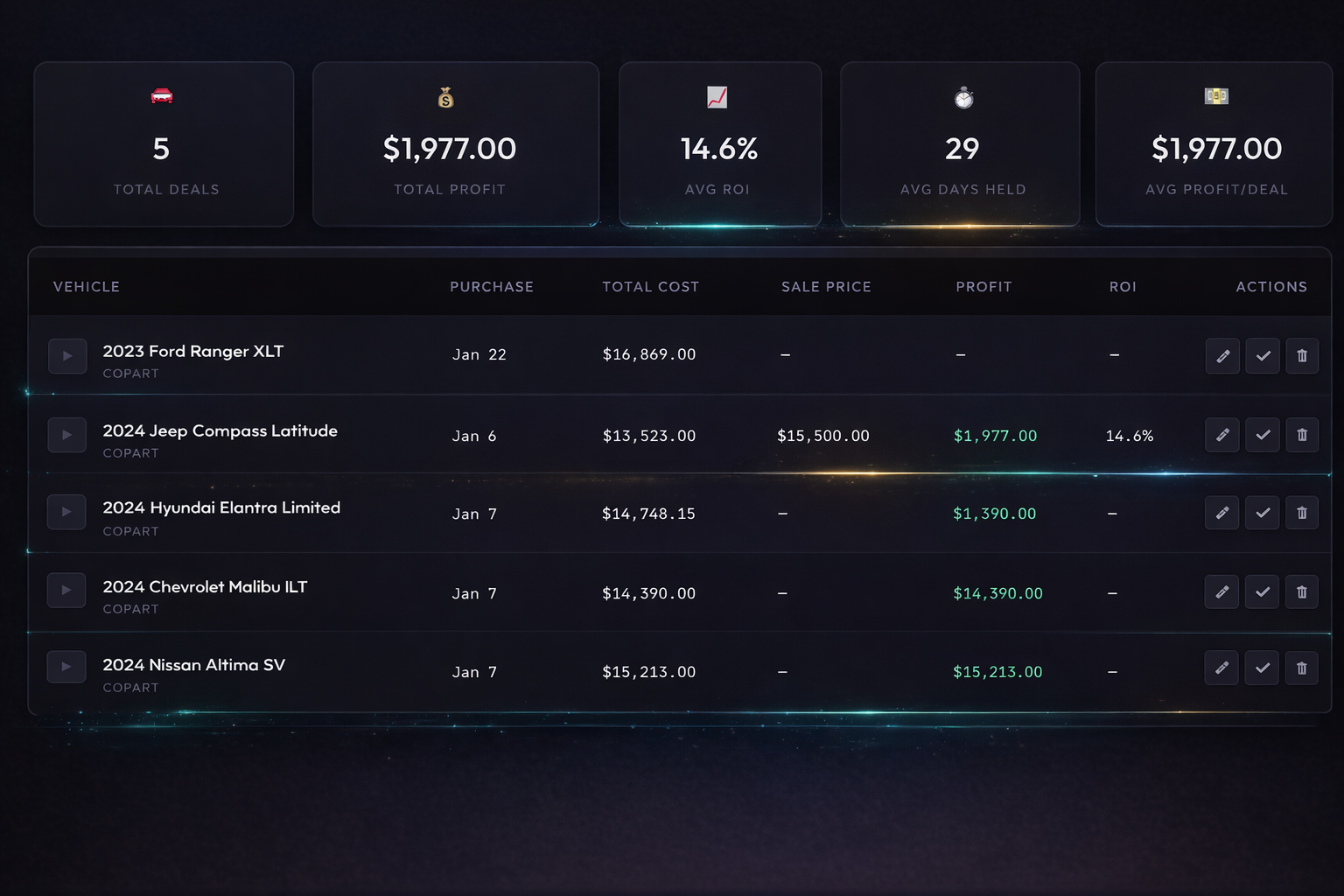
Portfolio
| Vehicle | Purchase | Total Cost | Sale Price | Profit | ROI | Actions |
|---|---|---|---|---|---|---|
|
No purchased vehicles yet. Mark estimates as "Won" to start tracking your deals! |
||||||
| Vehicle | ||||
|---|---|---|---|---|
|
No won auctions yet. |
||||
| Vehicle | ||||
|---|---|---|---|---|
|
No lost auctions yet. |
||||
Parts Assist
Estimate repair parts costs using real-time eBay market data, then apply the total directly to your Max Bid calculation.
Select Parts
Open a category and click any part to add it. Click again to remove.
Loading parts catalog...
Selected Parts
Pick a side (Left, Right, or Both) for parts that need it. Use +/− to adjust quantity.
No parts selected yet. Choose parts from the catalog above.
Estimate
Hit the button to search eBay. New parts are searched incrementally. Click a listing to lock in its price (shipping included).
Always live results — searches eBay in real time for your exact vehicle.
Labor List
Auto-populated body & paint hours based on your selected parts. Hours update automatically — override any value manually.
Vehicle Type
Choose the vehicle type. This determines the baseline hours for each repair operation.
Labor Rates
Set your body and paint hourly rates. These are used to calculate total labor cost per line item.
Labor Lines
Each part auto-generates a labor line. Change the operation (Replace / R&I) or edit hours manually. Edited values are highlighted.
| Part | Operation | Body Hrs | Paint Hrs | Cost | |
|---|---|---|---|---|---|
|
Select a vehicle type above and add parts in Parts Assist to get started. |
|||||
Auto-Blend
Adjacent panels that need color blending are auto-detected. Click to toggle on/off. Blend hours = adjacent panel refinish × paint factor, clamped 0.5–2.0h.
Additional Operations
Toggle on any extra operations needed — frame pull, ADAS calibration, alignment, diagnostic scans, corrosion protection, or sublet work.
Totals
Profile
Market Settings
Subscription
This Month's Usage
Usage resets on the 1st of each month
👑 Admin Panel
Subscription & User Management